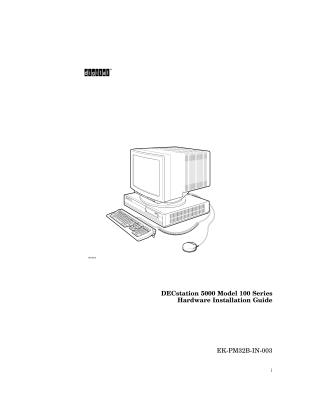
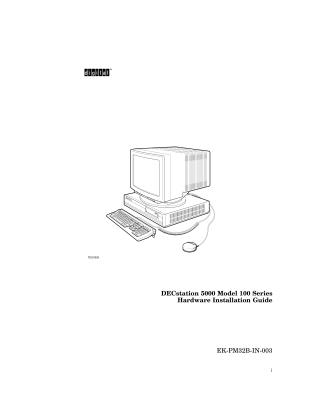
DECstation 5000 Model 100 Series
Hardware Installation Guide
Order Number: EK-PM32B-IN-003
This guide provides instructions for the hardware installation of the DECstation 5000 Model 100 Series workstation. It covers:
- System Setup: Unpacking, safety precautions, and basic system components.
- Hardware Connections: Instructions for connecting the monitor, keyboard, mouse, and power.
- Network Setup: Procedures for connecting ThinWire, ThickWire, and twisted-pair Ethernet cables, including use of loopback connectors.
- Storage Configuration: Guidelines for connecting SCSI storage expansion boxes, terminating chains, and managing SCSI IDs.
- Software Installation: Procedures for installing software from a network, tape drive, or compact disc drive.
- System Testing: Using the
cnfgconsole command to verify hardware configuration and troubleshoot installation issues.
Site structure and layout ©2026 Majenko Technologies