DECstation 5000 Model 240 Workstation
Hardware Installation Guide
Order Number: EK-PM38A-IN-001
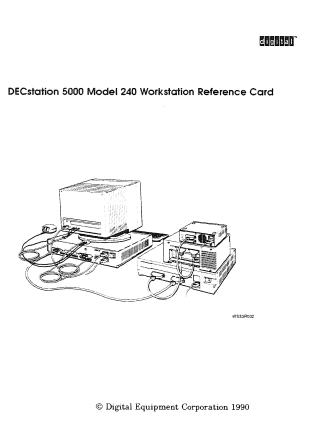
This guide provides instructions for setting up and installing a DECstation 5000 Model 240 workstation. It covers the following main areas:
- Hardware Setup: Step-by-step instructions for unpacking, identifying components, setting up the system unit, and connecting the monitor, keyboard, and pointing devices.
- External Additions: Guidelines for connecting and configuring external storage devices (SCSI) and network connections (Ethernet).
- Internal Upgrades: Procedures for installing internal options like memory modules, NVRAM, and CPU modules, including safety precautions like using an antistatic wrist strap.
- Console Commands: A reference for console-level commands used to manage the workstation, set environment variables, and perform diagnostics.
- Troubleshooting: Diagnostic procedures for identifying and fixing common hardware issues, including how to interpret self-test messages and diagnostic LED codes.
- Specifications: Detailed technical and environmental specifications for the system unit and peripheral components.
Site structure and layout ©2026 Majenko Technologies