DEC 3000 Model 400/400S
Installation Guide
Order Number: MLO-010853
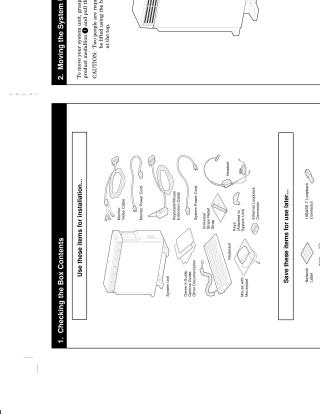
This document outlines the initial setup procedures for the DEC 3000 Model 400/400S computer system. It includes instructions for:
- Verifying the contents of the shipment.
- Safely moving the system unit.
- Selecting an appropriate installation location based on ventilation and power requirements.
- Connecting the universal strain relief strap.
- Connecting monitor cables for various display types (color, monochrome, greyscale).
- Connecting rear cables, including Ethernet, keyboard, mouse, and power.
- Setting necessary console switches.
- Connecting the keyboard and mouse peripherals.
- Powering on the system and consulting relevant software documentation.
Site structure and layout ©2026 Majenko Technologies