AlphaServer ES40 Firmware Update Procedure
Order Number: TD 2706-CR
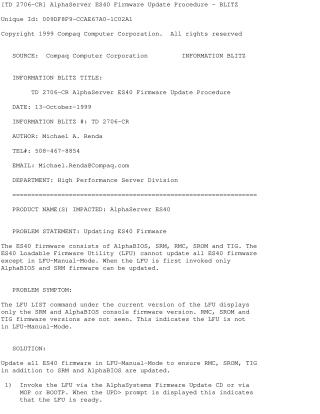
This document outlines the correct procedure for updating the AlphaServer ES40 firmware. The firmware consists of AlphaBIOS, SRM, RMC, SROM, and TIG. When using the Loadable Firmware Utility (LFU) in standard mode, only AlphaBIOS and SRM can be updated. To ensure all components are updated, the user must switch to LFU-Manual-Mode.
Procedure:
- Invoke the LFU using the Firmware Update CD, MOP, or BOOTP.
- When prompted, type 'EXIT' at the
UPD>prompt. - Type 'Yes' when prompted to enter manual mode.
- Type 'LIST' to verify all firmware revisions are visible.
- Type 'UPDATE' to apply the updates.
- Type 'EXIT' to return to the SRM console.
Site structure and layout ©2026 Majenko Technologies