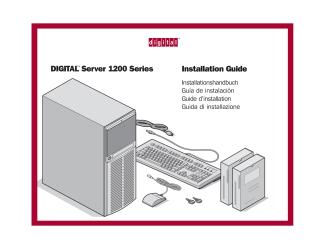
Digital Server 1200 Series
Installation Guide
Order Number: ER-H2BWW-IM
This manual guides the user through the installation process for the DIGITAL Server 1200 Series. It covers the following key stages:
- Preparation: Guidelines for selecting a suitable workspace.
- Unpacking: Procedures and safety warnings for unpacking the server.
- Hardware Setup: Identification of components, installation of internal options (such as RAM or ISA cards), and connection of all necessary cables (monitor, keyboard, mouse, power, and Ethernet).
- Software Installation: How to use the ServerWORKS Quick Launch CD-ROM to configure hardware and install operating systems (Windows NT or Novell NetWare).
- Maintenance & Support: Information on registering the server, warranty, running diagnostics, and contacting technical support.
- Management: Overview of installing the DIGITAL ServerWORKS Manager software for network and server management.
Site structure and layout ©2026 Majenko Technologies