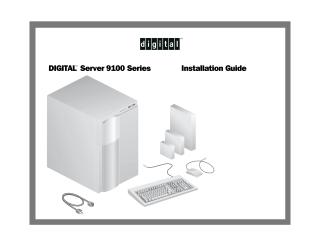
Digital Server 9100 Series
Installation Guide
Order Number: ER-M2XWW-IA
This document serves as the installation manual for the Digital Server 9100 Series. It covers the following key procedures:
- Unpacking and Setup: Safety warnings regarding weight, placement, and initial hardware inventory.
- Hardware Configuration: Instructions for installing add-in boards, connecting the power cord, and attaching necessary peripherals like the keyboard, mouse, and monitor.
- Networking: Guidance on connecting network cables to appropriate adapter slots.
- Software Setup: Detailed steps for using the bootable ServerWORKS Quick Launch CD-ROM to configure the server, including partitioning, installing Microsoft Windows NT, and creating necessary utility/driver diskettes.
- Troubleshooting and Support: How to access the diagnostics partition and obtain technical support through Digital's provided resources.
- Server Management: Introduction to installing the Digital ServerWORKS Manager software for network and server administration.
Site structure and layout ©2026 Majenko Technologies