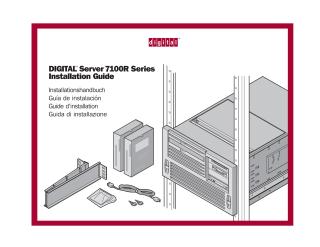
DIGITAL Server 7100R Series
Installation Guide
Order Number: ER-R5C5W-IM
This document provides step-by-step instructions for installing and configuring the DIGITAL Server 7100R series. It covers the following topics:
- Preparation: Rack requirements and site preparation.
- Unpacking: Safe handling and lifting procedures for the server.
- Internal Hardware: Installation of internal options.
- Rack Installation: Attaching cable management arms and slide rails.
- Connectivity: Cable connections, including power, monitor, keyboard, and mouse.
- Startup: Power-on procedures and Operator Control Panel (OCP) usage.
- Software Configuration: Using the Quick Launch CD-ROM for configuring expansion cards and installing network operating systems (Windows NT and Novell NetWare).
- Utilities: Creating driver and utility diskettes.
- Maintenance: Registration, warranty, and diagnostic information.
Site structure and layout ©2026 Majenko Technologies